
Get calendar time, total days and the next date
The result separates complete calendar years, months and remaining days. It also counts every elapsed day and finds the next annual return of the start date. That answers both “how long has it been?” and “how long until the next anniversary?” without treating every month as 30 days.
How the anniversary calculator works
- Count complete calendar years from the start date.
- Count complete calendar months after the last full year.
- Count the remaining elapsed days.
- Calculate total days separately from the calendar breakdown.
- Find the next valid annual occurrence of the original month and day.
Month lengths and leap years are handled as calendar dates, not averages. You can review the shared rules in the Life Dates calculation methodology.
A worked anniversary example
Suppose you married on 15 June 2020 and choose 22 September 2026 as the “Measure on” date. The calculator gives 6 years, 3 months and 7 days, or 2,290 elapsed days. Your seventh anniversary is 15 June 2027, which is 266 days after the comparison date.
The countdown is measured from “Measure on”, not necessarily today. Change that field to plan ahead or check how long you had been together on a past date. The starting day counts as day zero.
Month-end and leap-day examples
When the same day number does not exist in the destination month, this calculator uses that month's last day. These examples show how that convention affects the result.
| Start date | Measure on | Calendar duration | Elapsed days |
|---|---|---|---|
| 31 January 2026 | 28 February 2026 | 1 month | 28 |
| 29 February 2024 | 28 February 2027 | 3 years | 1,095 |
| 15 June 2020 | 15 June 2026 | 6 years | 2,191 |
On the anniversary itself, the countdown is zero: the result says it is today. For the leap-day example above, that means the third anniversary is 28 February 2027 under this calculator's convention. The leap-day explanation below sets out the limits of that rule.
Which anniversaries can I calculate?
| Starting date | What the result can answer | How to keep it |
|---|---|---|
| Wedding or civil partnership | Exact time married and next anniversary | Save as an Important Date |
| First date or relationship start | Years, months and days together | Add a private note for context |
| Pet adoption | Days together and next adoption day | Link the date to the pet's story |
| Job, home or creative project | Elapsed time since a meaningful beginning | Set a reminder only if it is useful |
How are 29 February anniversaries handled?
In a year without 29 February, this calculator uses 28 February for the annual occurrence. That matches the date rule used by Life Dates for recurring occasions. An organisation or legal process may use a different convention, so follow its official rule when the date affects eligibility or rights.
Save an anniversary in Life Dates
Life Dates supports Important Dates alongside people, pets and birthdays. Save the anniversary once, add the context you care about, and choose whether it belongs in reminders, the monthly planner, widgets or Apple Calendar.
- Add a new Important Date.
- Choose a clear title and the original date.
- Connect it to a person when that adds useful context.
- Choose reminder timing based on the preparation the date needs.
- Export it to Apple Calendar if you want it in the wider schedule.
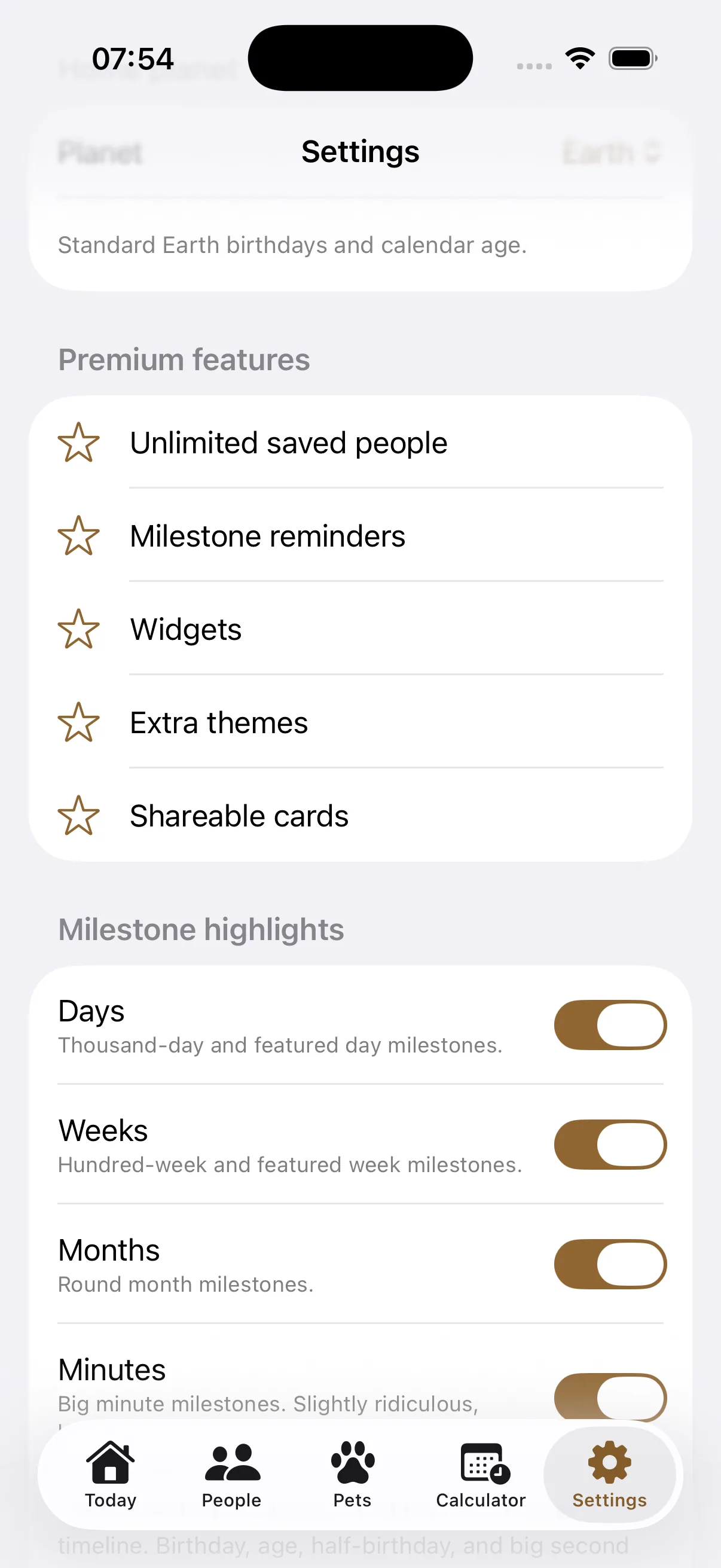
The Important Dates guide explains the full reminder and Calendar workflow. If you want round-day celebrations rather than annual dates, use the life milestone calculator.
Anniversary calculator questions
Can I calculate a future anniversary?
Yes. Change the “Measure on” date to any date on or after the start. The result will show the exact duration on that day.
Does “days together” include the starting day?
The total is elapsed days, so the start date is day zero and the following date is one complete day later.
Does the calculator upload my dates?
No. Both dates are processed in your browser and are not sent to Life Dates.
Keep the date after the calculation.
Download Life Dates to save anniversaries, add context and get a reminder before they arrive.
Download on theApp Store