Before adding the widget
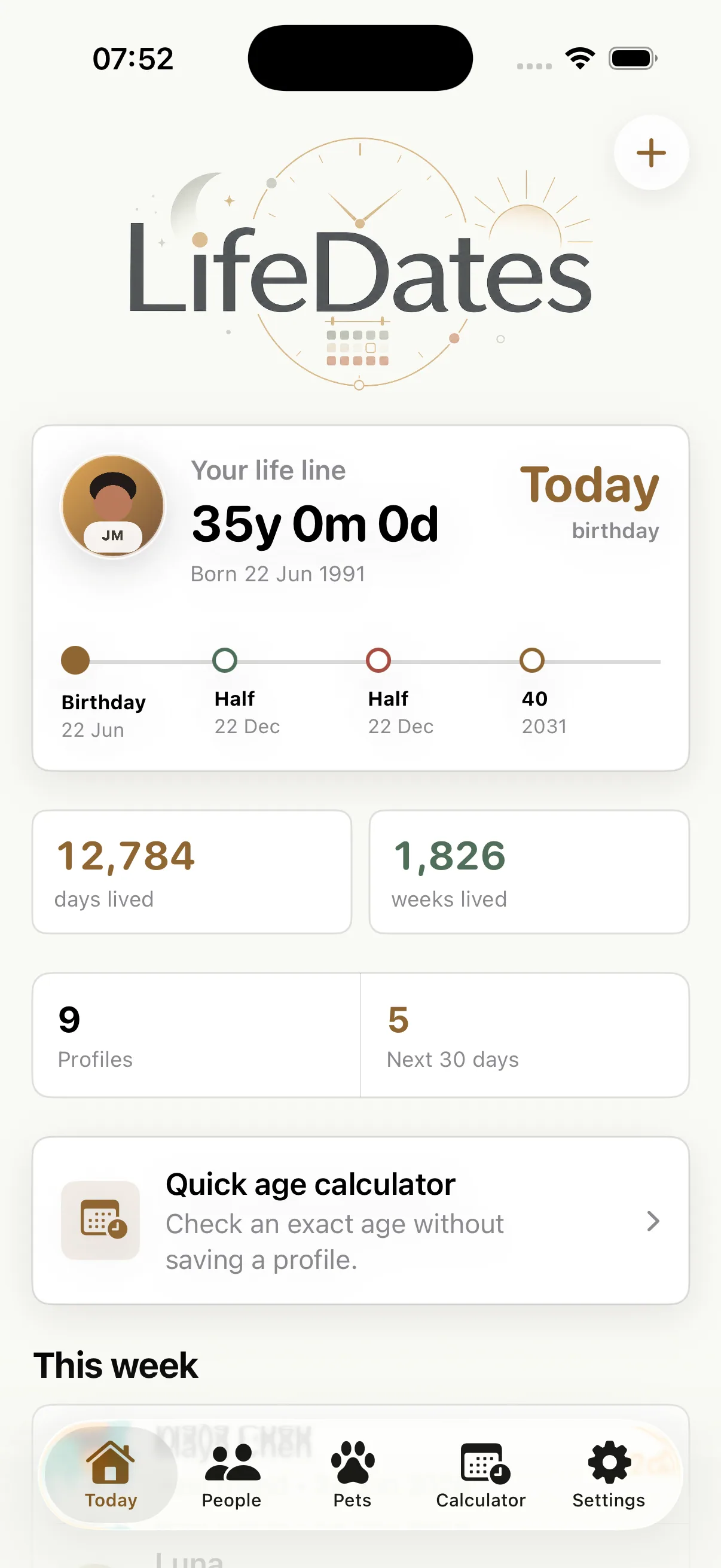
Download LifeDates, create at least one person or pet profile and make sure its date of birth is correct. The widget reads the birthday snapshots saved by the app, so open LifeDates after making changes to let the latest information update.
Home Screen and Lock Screen widgets are a LifeDates Premium feature. Free users can still see birthday countdowns and use reminders inside the app.
These instructions follow Apple's current widget guide, with the different gallery control noted for iOS 17. Button labels can vary with your iPhone language.
Add a LifeDates Home Screen widget
- Touch and hold an empty area of the iPhone Home Screen until the apps jiggle.
- Tap Edit, then Add Widget. On iOS 17, tap the plus (+) button at the top instead.
- Search for or select LifeDates.
- Swipe through the available sizes, then tap Add Widget.
- Move the widget to the position you want, then tap Done.
The widget keeps upcoming birthdays and important dates visible without opening the app. Use it as the quiet first layer of the reminder system, then enable notifications for the people whose dates need action.
Add a birthday widget to the Lock Screen
- Touch and hold the Lock Screen and choose Customise.
- Select the Lock Screen, then tap Add Widgets or the existing widget area.
- Choose LifeDates from the available apps.
- Add the preferred widget and confirm the layout.
If the birthday widget is not updating
- Open LifeDates after adding or editing a profile.
- Check that the person is active rather than archived.
- Confirm that Premium access is active.
- Remove and add the widget again if iOS is showing an old snapshot.
- Restart the iPhone if widgets from several apps have stopped refreshing.
iOS controls the exact refresh schedule to protect battery life, so a widget is not a second-by-second countdown. For a time-sensitive alert, use a birthday notification.
Birthday widget questions
Can I show pet birthdays?
Yes. Active pet profiles can appear with other upcoming dates.
Does the widget work without an account?
Yes. LifeDates does not require an account; widget snapshots come from locally saved app data.
Can I use Apple Calendar as well?
LifeDates can export birthdays and Important Dates to Apple Calendar as yearly events.
Make the next birthday visible.
Download LifeDates and keep your important dates one glance away.
Download on the App Store