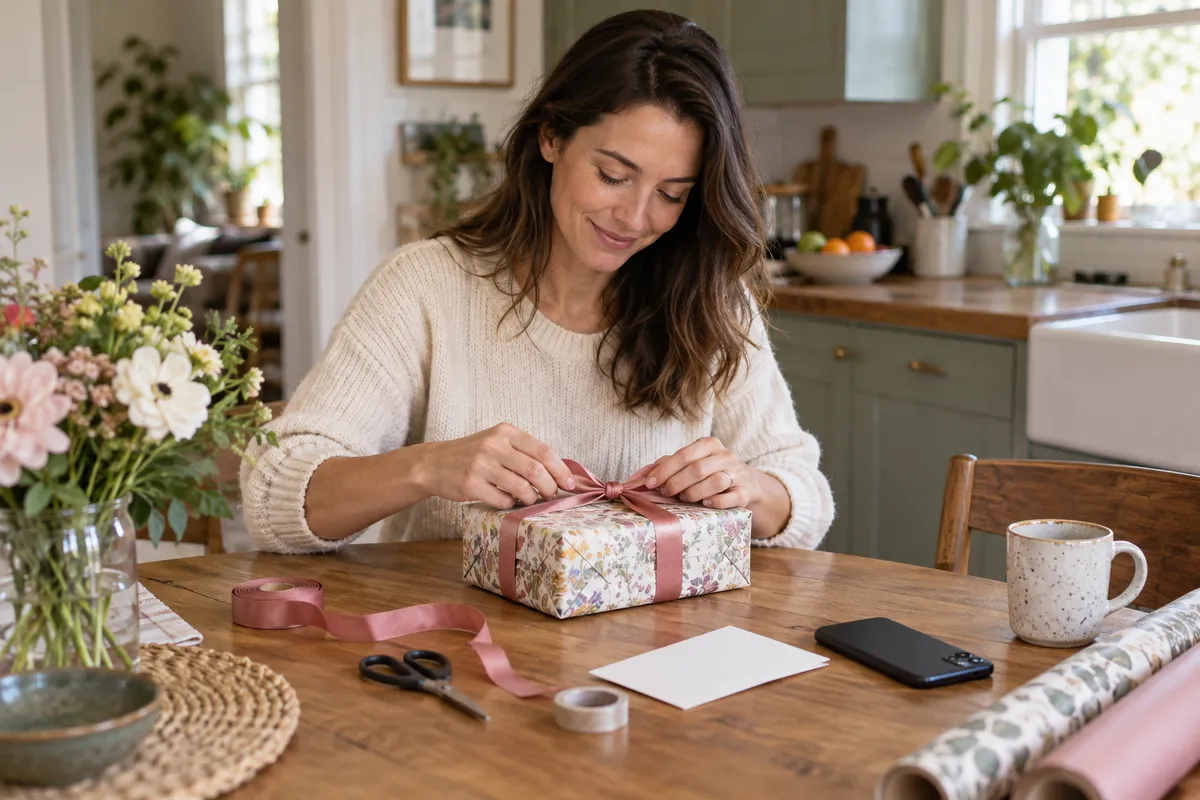
Set a birthday alert with iPhone's built-in apps
You do not need another app for a basic birthday alert. Add the date to the person's card in Contacts, show the Birthdays calendar, then choose a default alert time.
- In Contacts, open the person's card, tap Edit, add their birthday and tap Done.
- Open Calendar, tap Calendars and select Birthdays to show birthdays from Contacts.
- Open Settings, then Apps, Calendar, Default Alert Times and Birthdays. Choose when you want the alert.
These steps follow Apple's guides to editing contacts, showing the Birthdays calendar and setting birthday alert times. Menu names may differ on older iOS versions. The Calendar setting is a default for birthdays; it is not a separate schedule for each person.
Set up a birthday reminder in LifeDates
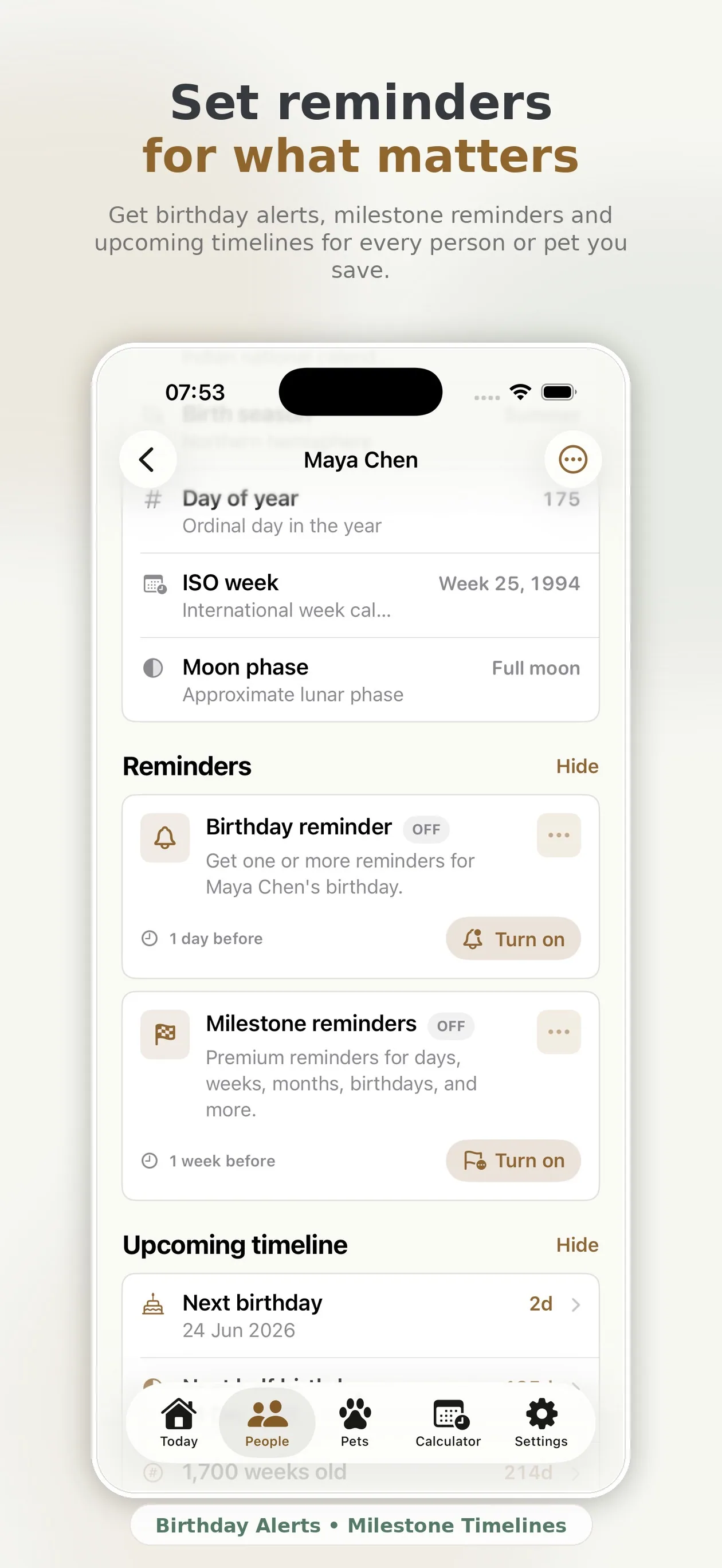
In LifeDates, add the person you want to remember and enter their date of birth. Open their profile, find Reminders, turn on the birthday reminder and choose when the alert should arrive. The birthday repeats each year, so you do not need to recreate the reminder after it passes.
- Open LifeDates and tap the plus button.
- Add a name and date of birth.
- Optionally add a relationship, photo and useful notes.
- Open Birthday reminder and switch it on.
- Choose the lead time and preferred reminder time.
When should a birthday reminder arrive?
An alert on the birthday is enough if you only want to send a message. It is too late if you want to post a card, buy a present or organise a visit. A useful birthday reminder app lets the notification support the action.
- One day before: good for a message, call or local plan.
- One week before: enough time for a present, booking or posted card.
- Longer notice: useful for milestone birthdays, travel and group plans.
LifeDates can also show the next birthdays in a monthly planner and export birthdays to Apple Calendar as yearly events. The reminder, countdown and calendar entry work together without forcing every personal date into the same busy view.
Import birthdays from iPhone Contacts
If dates already exist in Contacts, import them rather than typing every birthday again. LifeDates lets you bring contact birthdays into the people list, review the profiles and then decide which reminders you want. This is especially useful after leaving a social network that used to provide birthday alerts.
Are birthday reminders private?
LifeDates stores saved profiles, birthdays, notes and reminder settings locally on the device. Notifications are scheduled through iOS, and no LifeDates account is required. That makes the app suitable for personal dates you do not want turned into a social graph or advertising profile.
Local storage also means you should include LifeDates in your normal device backup habits and use the export tools when you want a separate copy of important information.
Build a birthday system you will actually use
The best system is visible before it becomes urgent. LifeDates combines three useful views:
- Today: the birthdays, important dates and milestones coming next.
- Widgets: a quiet glance from the Home or Lock Screen.
- Notifications: a deliberate prompt at the time you chose.
Each profile also shows the person's exact age and the age they will turn. That small detail prevents the familiar last-minute question: “Wait, what birthday is this?”
Birthday reminder questions
Is LifeDates free?
The app is free to download. Free users can save up to three people, use birthday countdowns and schedule birthday reminders. Premium unlocks unlimited profiles, widgets and advanced milestones.
Can it remind me about pet birthdays?
Yes. Pet profiles appear alongside people on the Today screen and can have their own birthdays, countdowns and reminders. Follow the pet birthday reminder guide to add a known or estimated birthday without confusing it with an adoption day.
Can I add anniversaries?
Yes. LifeDates supports Important Dates such as anniversaries, adoption days and other recurring moments. The important dates tracker guide explains how to keep those dates separate from birthdays.
A calmer way to remember.
Download LifeDates free, add the people who matter and set your first birthday reminder in minutes.
Download on the App Store