
What is my exact age?
Your exact age is the number of complete calendar years, then complete calendar months, then remaining days between your date of birth and a comparison date. Use the calculator above for the answer, plus total weeks, total days, your birth weekday and next birthday.
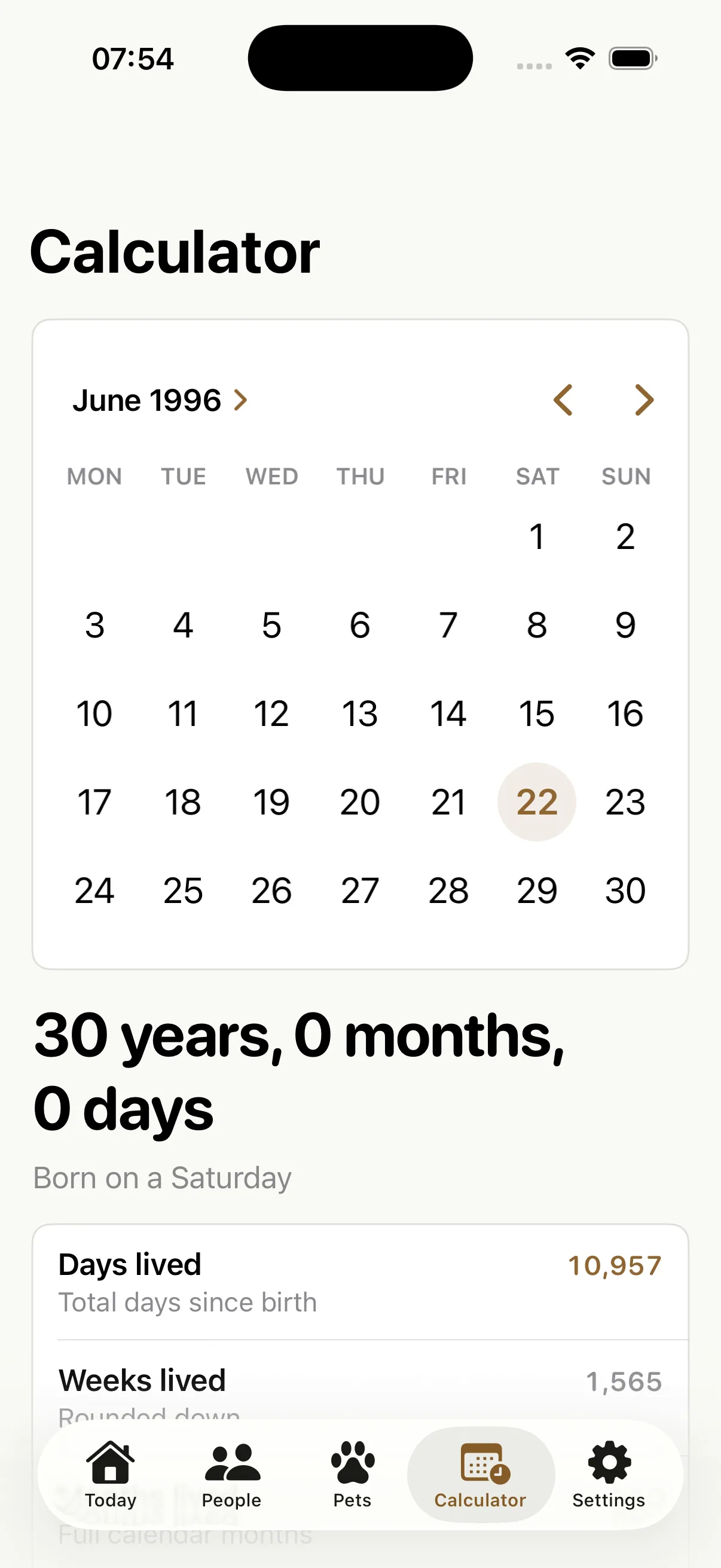
You can also use the free calculator on the LifeDates homepage. In the iPhone app, open Calculator, choose the date of birth and the result updates instantly. No profile needs to be saved.
Exact age worked example
For someone born on 10 March 2000, the exact age on 27 August 2026 is 26 years, 5 months and 17 days. The interval contains 9,666 elapsed days, which is 1,380 complete weeks and 6 days. They were born on a Friday, and their next birthday is Wednesday, 10 March 2027.
How exact age is calculated
1. Count completed years
Subtract the birth year from the comparison year, then check whether that year's birthday has happened. If it has not, subtract one. Someone born on 20 November 1990 is still 35 on 27 August 2026, even though 2026 minus 1990 is 36.
2. Count complete months after the last birthday
Starting from the most recent birthday, count each complete calendar month. This avoids treating February and March as though they contain the same number of days.
3. Count the remaining days
Count calendar days from the last complete month boundary to the comparison date. The final result is the familiar years, months and days form used for a precise chronological age.
What happens at the end of a short month?
If a month does not contain the original day number, LifeDates uses its last day. From 31 January 2026 to 28 February 2026, the result is 0 years, 1 month and 0 days, with 28 elapsed days. From 31 January to 31 March 2026, it is 0 years, 2 months and 0 days. February's shorter length does not move the March boundary to the 28th.
This explains why a calendar month is not always the same number of days. See the calculation methods and limitations for the rules used across the web calculators.
Do leap years change your exact age?
Leap years affect total days lived because 29 February adds an extra calendar day. They do not make you turn a whole year early. A person becomes one year older on the annual date used for their birthday under the relevant calendar convention. If you need an age for a legal, clinical or official purpose, follow the rules of that organisation rather than relying on a general consumer calculator.
LifeDates also shows total days and weeks lived. Those totals answer different questions from calendar age: “How old am I?” and “How many days have I been alive?” are related, but not identical measurements.
What if I was born on 29 February?
This calculator uses 28 February as the birthday boundary in a non-leap year. A birth date of 29 February 2024 therefore gives 1 year, 0 months and 0 days on 28 February 2025, an interval of 365 elapsed days. The result includes a note explaining this convention. It is not a universal rule for legal or official ages.
Turn one calculation into a living timeline
A web calculation is useful once. A LifeDates profile keeps the date useful. Add yourself, a family member, friend or pet and the app automatically shows:
- Exact age in years, months and days
- Total days and weeks lived
- Days until the next birthday
- Birth weekday, zodiac and other birthday facts
- Upcoming round-age, half-birthday and day-count milestones
- Optional birthday and milestone reminders
The free version includes the standalone age calculator and up to three saved people. That makes it easy to check an age first, then save only the timelines you genuinely want to remember.
Exact age questions
Can I calculate somebody else's age?
Yes. An exact age calculation only needs a valid date of birth and comparison date. In LifeDates you can either use the standalone calculator or create a named profile.
What is chronological age?
Chronological age is the amount of calendar time elapsed since birth. It differs from biological age, developmental age and appearance-based age estimates.
Can I calculate age on a past or future date?
Yes. Choose any comparison date on or after the date of birth. For a formal age required by a school, employer, clinician or authority, follow that organisation's rules.
Keep the answer, not the arithmetic.
Download LifeDates free to calculate exact ages and see the birthdays and milestones that come next.
Download on theApp Store